
Government
Public trust starts with trusted documents.
Permits, licences, land records and certificates move between citizens, businesses and government offices — and every one shapes a decision about who receives a service.

Government in action
Watch how it works
Video not loading? Watch on YouTube
The Visa Application Journey
Supporting documents from several issuers, checked at source for an embassy.
The Government Ecosystem
From the counter to the courtroom, the same trust layer applies.
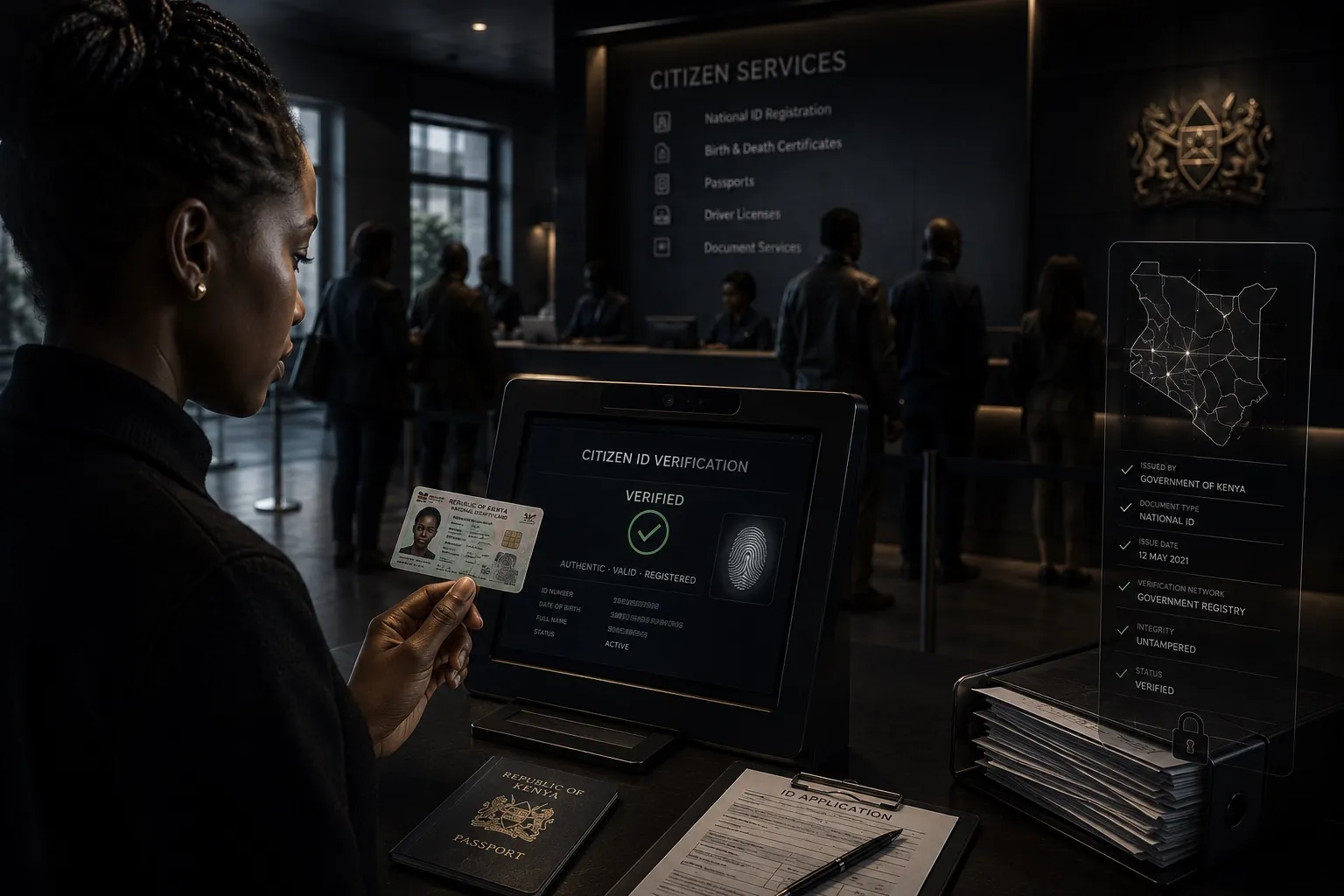
Citizen
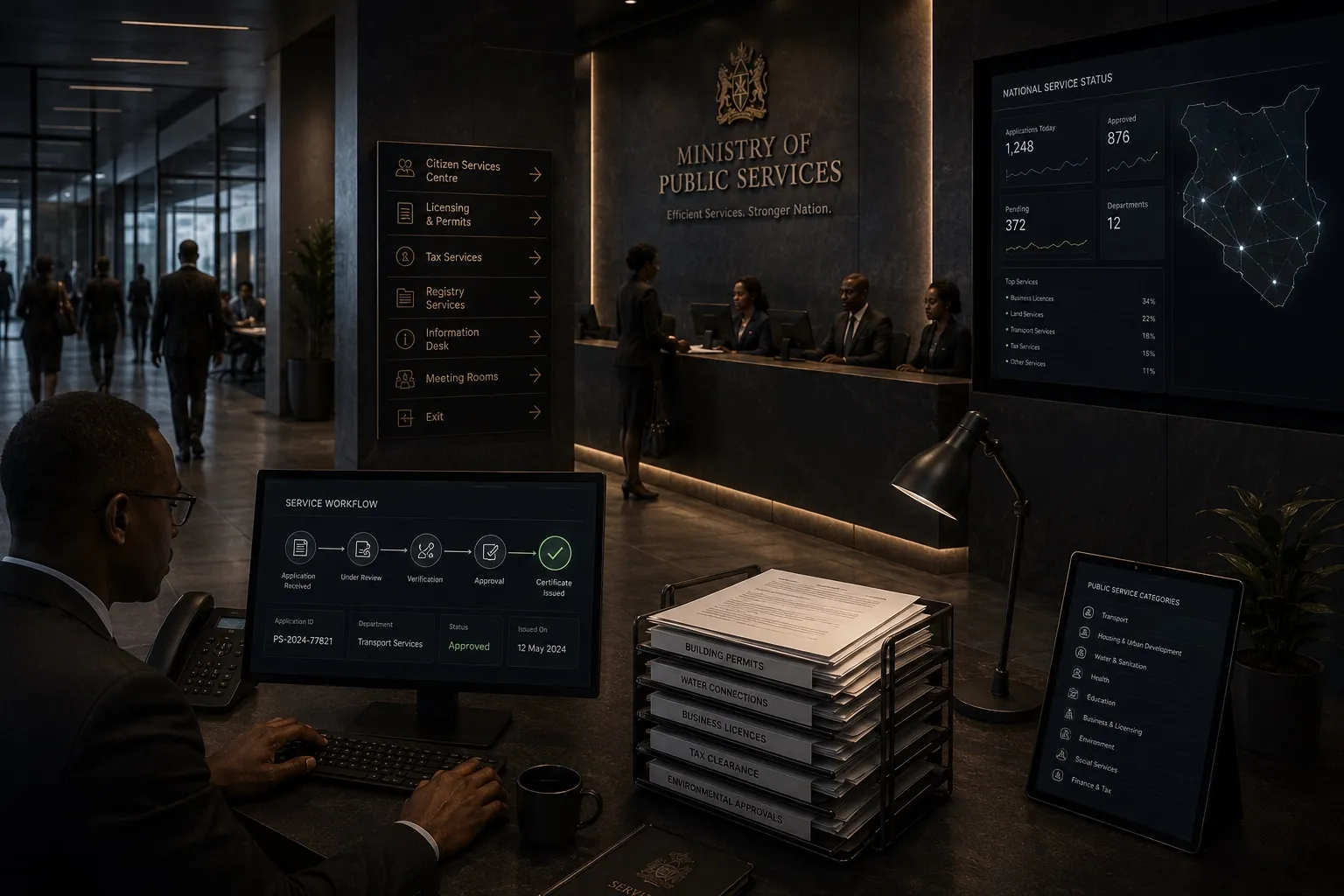
Ministry or Department
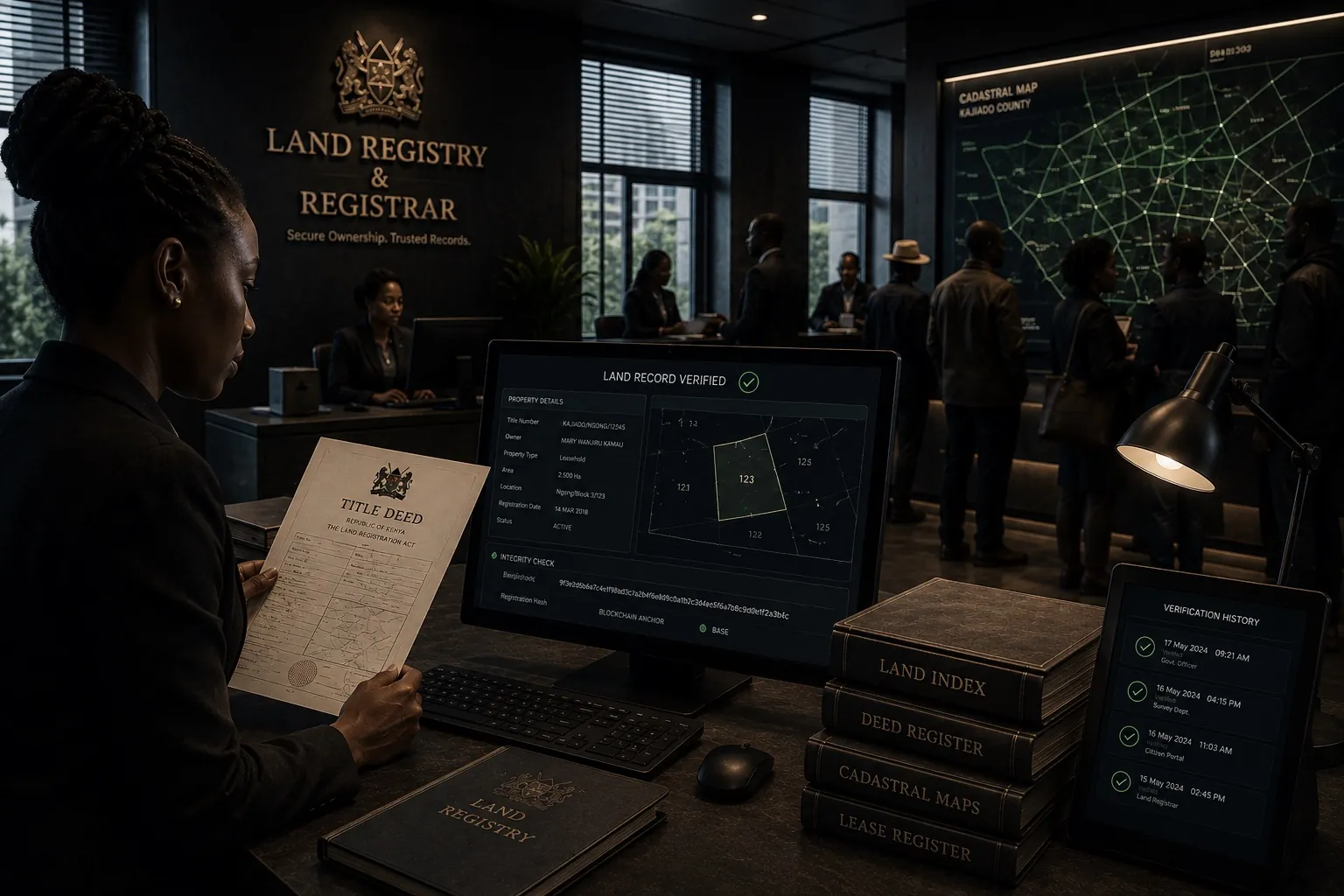
Registrar
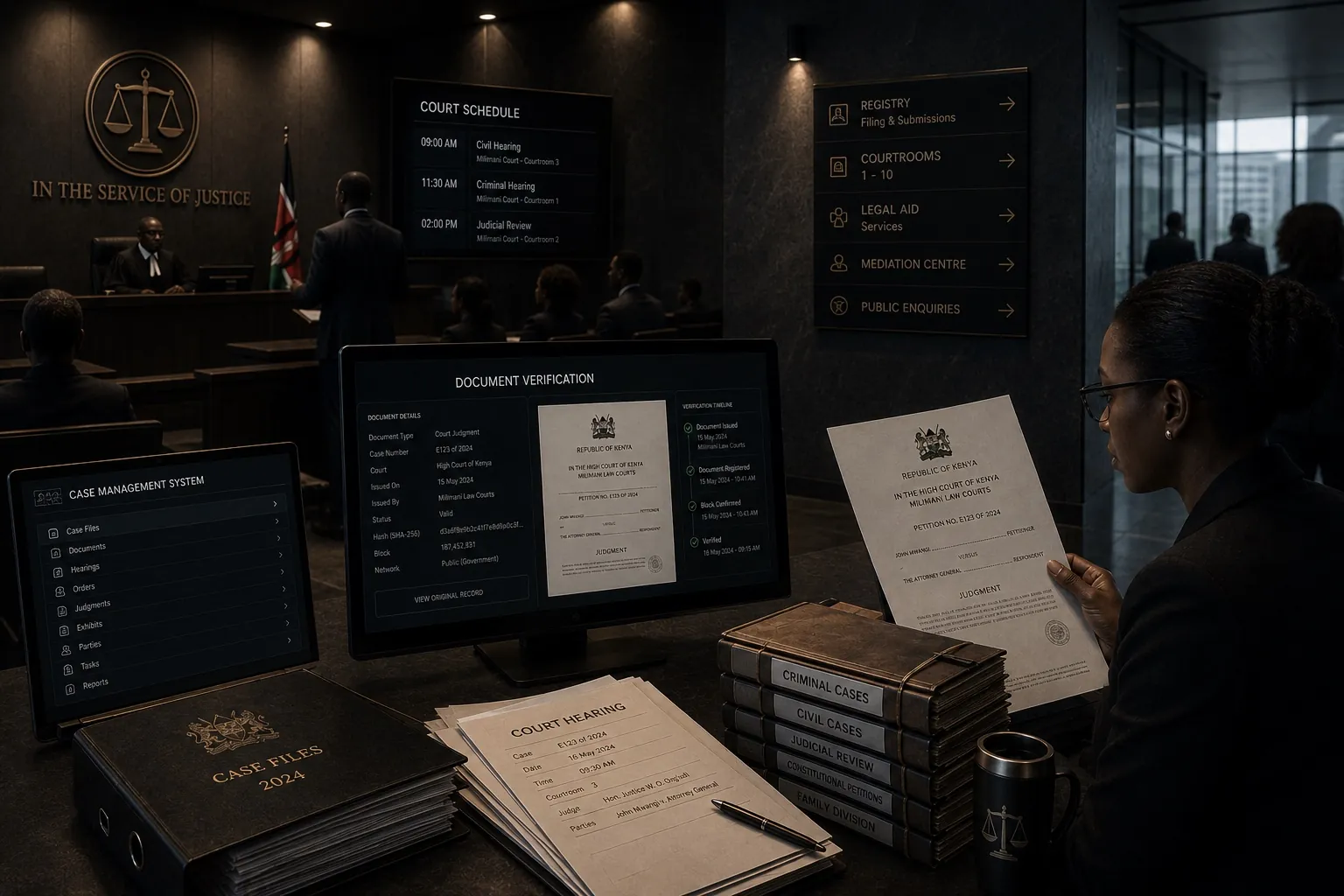
Court

Land Office
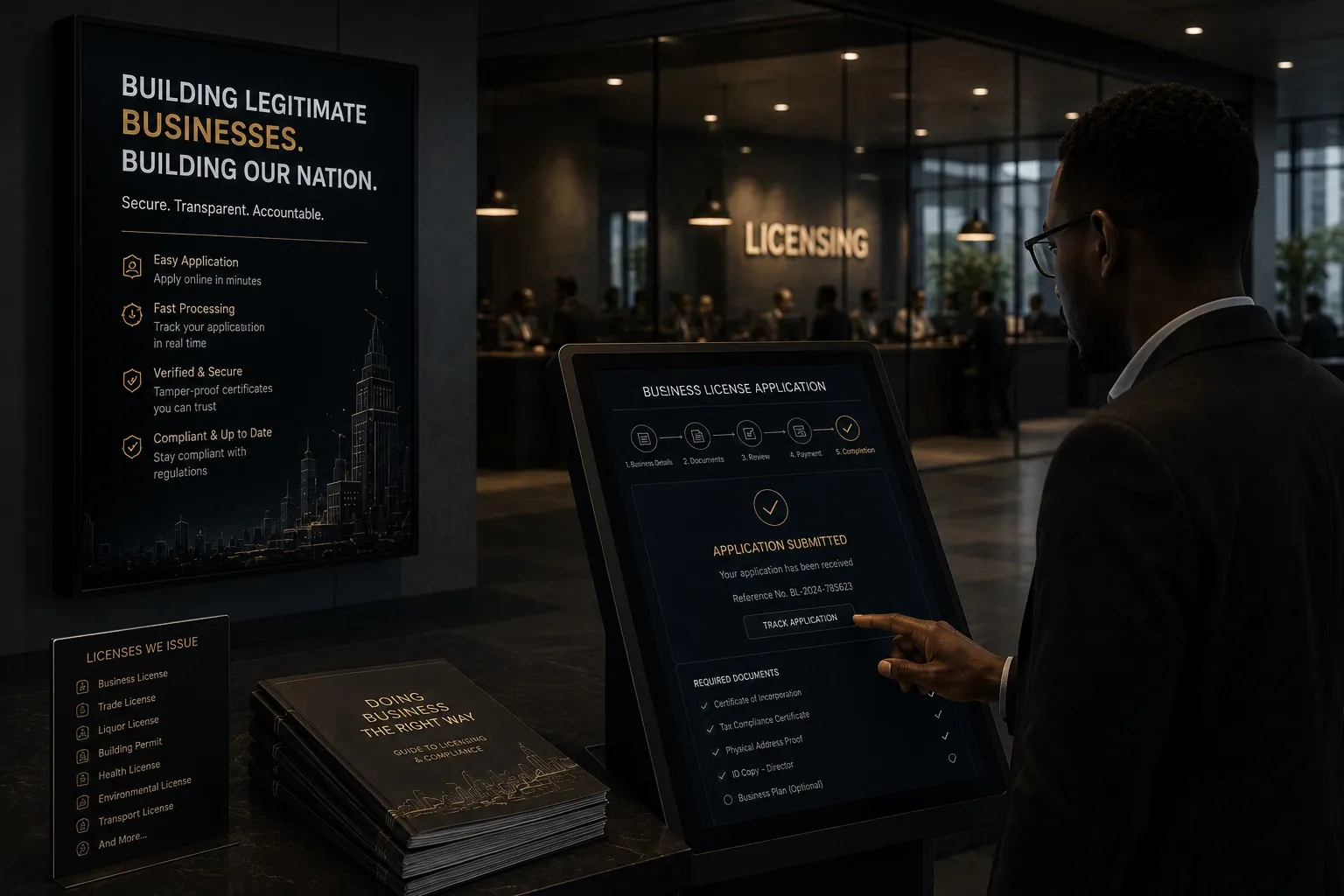
Licensing Authority
Explore Government Workflows
Built for government, one workflow at a time.

Permits
Permit applications and approvals move between citizens or businesses and government offices.
- Building PermitGovernment
- Permit ApplicationCitizen or Business
Document Journey
How a permit moves from application to confirmation.
The issuer creates the QR-bearing file first. The recipient then checks the QR record and the file itself.
Example: Building Permit Issuer: Government
- 01
Issuer
Register the document
The approved issuer selects its source file. Kweli records its fingerprint and the details a recipient should check.
- 02
Issuer
Place the QR code
Kweli creates a proof ID and QR code. The issuer places the QR on the document.
- 03
Issuer
Download the issued file
Kweli records the fingerprint of the final file with its QR. The issuer downloads and shares that version.
- 04
Recipient
Scan the QR code
The recipient opens the proof record and compares its issuer and details with the document received.
- 05
Recipient
Verify the exact file
The recipient selects the digital file. Kweli checks its fingerprint against the final issued version.
A QR scan shows the issuer's record. The file check establishes whether this digital copy matches the issued version.
Kweli does not assess whether the permit was correctly granted.
Business Impact
From a service queue to a verified decision.
Today
- Manual verification queues
- In-person confirmation visits
- Delays in service delivery
- Inconsistent record versions
With Kweli
- Independent document verification
- Faster service delivery
- Stronger audit trail
- Detection of altered or unmatched documents
Implementation
One workflow, proven in practice — not a digital transformation programme.
Start with one document type, such as business licences
Bring on a defined group of departments
Train the service desk team who process it
Track processing time and exceptions at the counter
Get Started
Ready to bring verification into your service delivery?
Begin with a single permit or licence type and expand across departments.